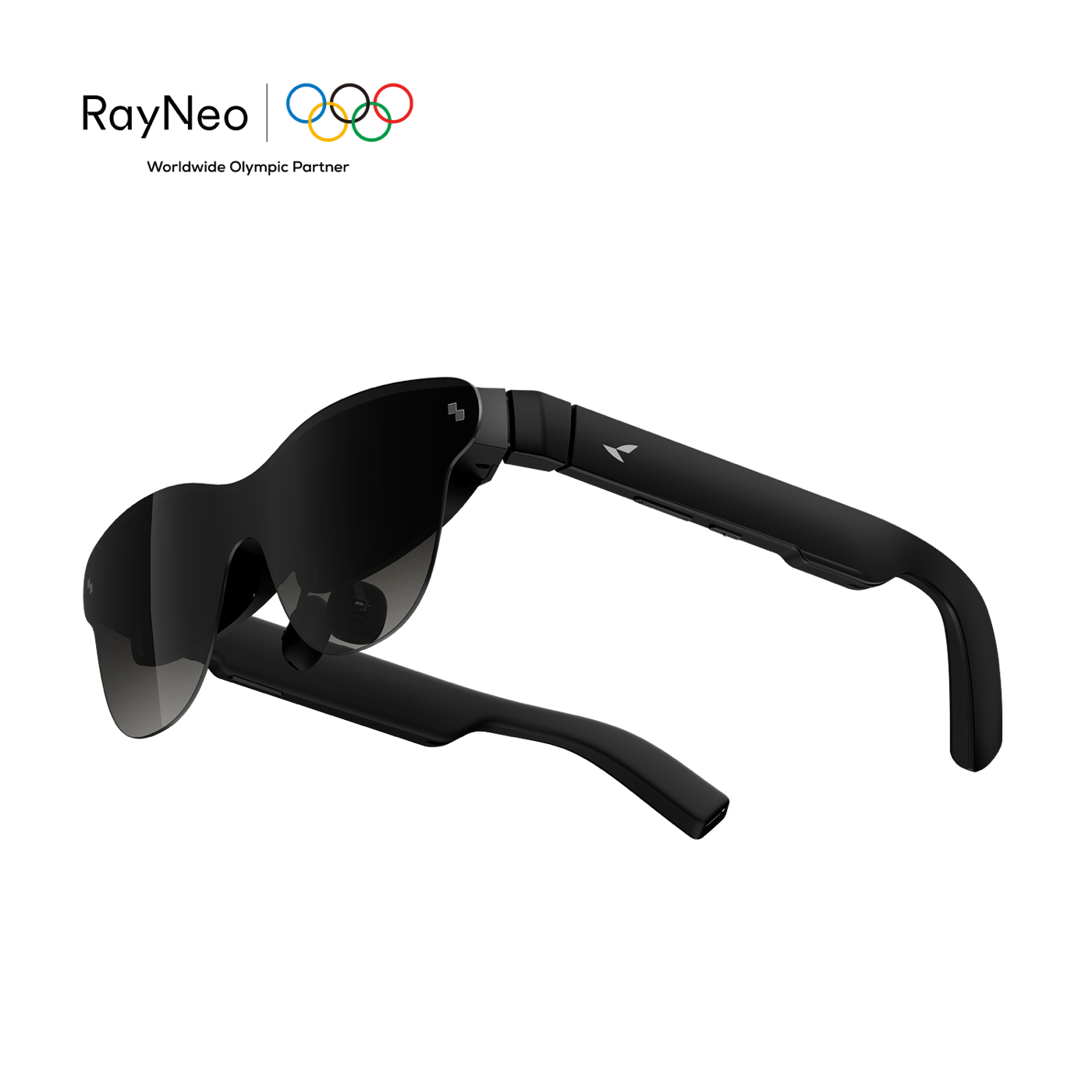
RayNeo Air 4 Pro - view 1
RayNeo

RayNeo Air 4 Pro

Optometrist Perspective - UK Registered

Research-based review by Sean Higgins

A USB-C wearable entertainment display, distinct from RayNeo’s camera and AI display models.

Prescription options — see assessment
AR Display Glasses
Portable Display Experience
Lightweight Wearable
  • Accessible portable-screen option
  • Android Authority’s tester found it comfortable for longer sessions

Optical perspective · Published evidence and editorial interpretation

Availability: Manufacturer retail / specialist insert

Confirm the Air 4 Pro insert, your source device’s video output and the local return route.

Why this model is included

A full Tom’s Guide Air 4 Pro review provides independent product attention beyond the official specification page. See evidence

Editorial coverage reflects documented market presence or interest, not a verified sales ranking. This website provides reviews; it does not confirm retailer stock.

Sean’s optical assessment

By , GOC Registered Optometrist

My view

Air 4 Pro deserves a look if you want an accessible portable screen. I would test the nose fit, subtitles and screen edges before deciding on the picture alone. For prescription wearers, confirm the insert route first so that the demo resembles the pair you would actually use.

Manufacturer specification + optical interpretation

Where this pair could fit into your day

This is a wearable screen. Check compatible USB-C video output, the full visible image and any adapters before choosing. A quoted virtual screen size does not establish personal comfort.[1]

Documented lens route + optical interpretation

Prescription and optical fit

Prescription support uses a compatible insert rather than ordinary replacement front lenses. Check the finished optical centres, lens clearance and whether the nose support leaves the full picture visible.[1][2]

Independent tests differ · optical interpretation

Reviewers did not agree on comfort

Android Authority’s Taylor Kerns found Air 4 Pro comfortable for extended sessions, but saw softness near the edges and noted the lack of first-party prescription inserts. Popular Mechanics’ reviewer struggled with a secure, comfortable fit. That difference is exactly why I would arrange the correction route and try the glasses rather than choose on a comfort claim.[3][4]

Availability check + optical interpretation

Before spending on the complete pair

Confirm the Air 4 Pro insert, your source device’s video output and the local return route. Ask who will handle lens changes and repairs, and read the hardware and custom-lens return terms separately.[1][2]

Optical pros & cons

A summary of the evidence and optical interpretation above.

Reasons to consider it

  • Accessible portable-screen option
  • Android Authority’s tester found it comfortable for longer sessions

Limitations to weigh up

  • Other testing found an insecure or uncomfortable fit
  • Edge softness and the prescription insert route need attention

Before choosing this pair

My fitting checklist

  1. Prescription support uses a compatible insert rather than ordinary replacement front lenses. Check the finished optical centres, lens clearance and whether the nose support leaves the full picture visible.
  2. Confirm the exact frame, generation and lens configuration on the order.
  3. Test the whole display at a natural wearing position, with the intended prescription solution.
  4. Ask who handles fitting, lens changes and repairs; check custom-lens return terms.

Who I would shortlist it for

Someone seeking a portable entertainment screen who can test fit and obtain suitable inserts.

Where I would be cautious

Someone treating a single comfort review as proof it will fit their face.

Technical Specifications

Connectivity

Compatible USB-C video source required

Lenses

Prescription support uses a compatible insert rather than ordinary replacement front lenses. Check the finished optical centres, lens clearance and whether the nose support leaves the full picture visible.

Display

Wearable entertainment display

Research sources

The sources used for this assessment are linked below. Review dates and the exact model matter: software can change, and one frame’s fit does not establish another’s. Manufacturer information supports specifications and lens options; independent reviews describe the named tester’s experience. The prescription and fitting advice is my optical interpretation.

  1. Manufacturer

    [1] RayNeo Air 4 Pro — official product information
  2. Manufacturer or optical supplier

    [2] RayNeo Air 4 Pro — prescription / fitting information
  3. Independent test

    [3] Android Authority — Taylor Kerns, RayNeo Air 4 Pro review (May 2026)
  4. Independent test

    [4] Popular Mechanics — RayNeo Air 4 Pro fitting and viewing review (2026)
How the optical interpretation is formed

The fitting checklist is an editorial interpretation, not a report that this pair has been physically fitted to you. Relevant checks include the prescription, lens positioning, frame stability and intended task. ABDO’s visual-discomfort guidance explains these general dispensing considerations.

Blue-light filtering or display certification is not treated here as proof of symptom-free use. Cochrane’s review of blue-light filtering spectacle lenses found no established short-term advantage for computer-related visual fatigue. This evidence concerns spectacle filters, not a clinical test of this smart-glasses model.

Read our review methodology