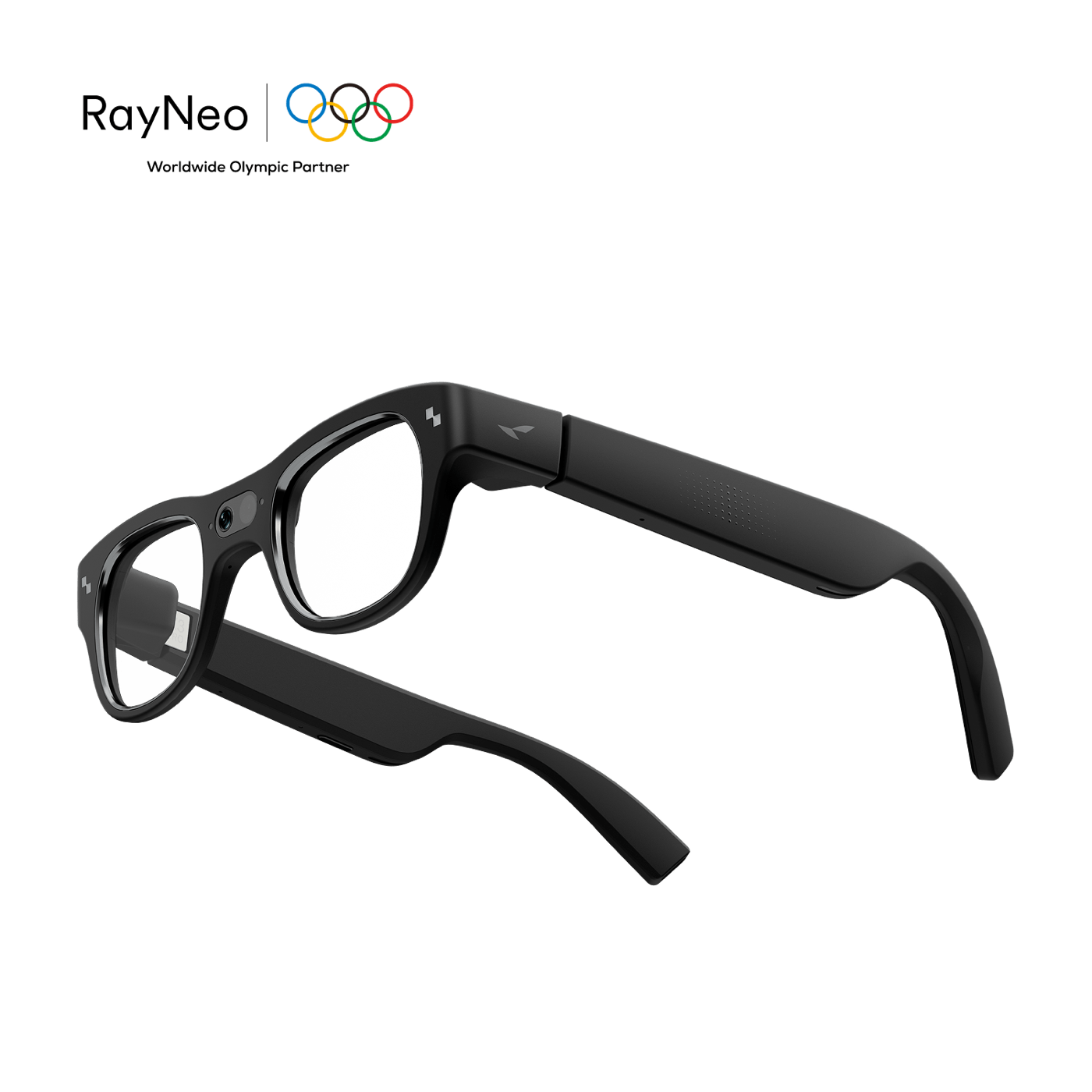
RayNeo X3 Pro - view 1
RayNeo

RayNeo X3 Pro

Optometrist Perspective - UK Registered

Research-based review by Sean Higgins

AI and camera glasses with information displays, rather than a plug-in private cinema screen.

Prescription options — see assessment
AI Powered
AR Display
  • Binocular colour information display
  • Independent reviewers praised the display technology

Optical perspective · Published evidence and editorial interpretation

Availability: Manufacturer retail / specialist insert

A dedicated X3 Pro prescription insert route is listed by Lensology. Verify the lens range, local services and complete image visibility.

Why this model is included

TechRadar published a detailed X3 Pro review; a specialist prescription-insert provider also supports the model. See evidence

Editorial coverage reflects documented market presence or interest, not a verified sales ranking. This website provides reviews; it does not confirm retailer stock.

Sean’s optical assessment

By , GOC Registered Optometrist

My view

X3 Pro is for someone who wants to explore information and translation displays and accepts some compromises. I would be cautious about relying on it throughout the day. Establish the prescription insert and try the software on the tasks you need before paying for the complete setup.

Manufacturer specification + optical interpretation

Where this pair could fit into your day

This display is intended for information and prompts. Do not assume it can act as the large private screen used for films and games. Fit and optical alignment can determine how much of the interface you can actually see.[1]

Documented lens route + optical interpretation

Prescription and optical fit

Lensology lists model-specific inserts. The fitting task includes aligning the display and correcting ordinary vision. TechRadar’s review raised practical image-visibility limitations; that is a reason to test the full display, not a prediction that everyone will struggle.[1][2]

Independent tests · optical interpretation

Impressive displays, with practical reservations

TechRadar’s test found the binocular colour display impressive, but raised battery, software and usability concerns. Tom’s Hardware’s Brandon Hill also found battery life a serious weakness. I would keep the prescription trial separate from the software demonstration: readable text is valuable only if the complete system remains useful for the task you need.[3][4]

Availability check + optical interpretation

Before spending on the complete pair

A dedicated X3 Pro prescription insert route is listed by Lensology. Verify the lens range, local services and complete image visibility. Ask who will handle lens changes and repairs, and read the hardware and custom-lens return terms separately.[1][2]

Optical pros & cons

A summary of the evidence and optical interpretation above.

Reasons to consider it

  • Binocular colour information display
  • Independent reviewers praised the display technology

Limitations to weigh up

  • Battery life drew substantial criticism
  • Software and control complexity affect everyday use

Before choosing this pair

My fitting checklist

  1. Lensology lists model-specific inserts. The fitting task includes aligning the display and correcting ordinary vision. TechRadar’s review raised practical image-visibility limitations; that is a reason to test the full display, not a prediction that everyone will struggle.
  2. Confirm the exact frame, generation and lens configuration on the order.
  3. Test the whole display at a natural wearing position, with the intended prescription solution.
  4. Ask who handles fitting, lens changes and repairs; check custom-lens return terms.

Who I would shortlist it for

An AR enthusiast with a specific information task and access to a proper optical trial.

Where I would be cautious

Someone expecting uncomplicated all-day use as their main prescription glasses.

Technical Specifications

Connectivity

Phone, app and regional service compatibility must be checked

Lenses

Lensology lists model-specific inserts. The fitting task includes aligning the display and correcting ordinary vision. TechRadar’s review raised practical image-visibility limitations; that is a reason to test the full display, not a prediction that everyone will struggle.

Display

Information display — see optical assessment

Research sources

The sources used for this assessment are linked below. Review dates and the exact model matter: software can change, and one frame’s fit does not establish another’s. Manufacturer information supports specifications and lens options; independent reviews describe the named tester’s experience. The prescription and fitting advice is my optical interpretation.

  1. Manufacturer

    [1] RayNeo X3 Pro — official product information
  2. Manufacturer or optical supplier

    [2] RayNeo X3 Pro — prescription / fitting information
  3. Independent test

    [3] TechRadar — RayNeo X3 Pro review (July 2026)
  4. Independent test

    [4] Tom’s Hardware — Brandon Hill, RayNeo X3 Pro review (December 2025)
How the optical interpretation is formed

The fitting checklist is an editorial interpretation, not a report that this pair has been physically fitted to you. Relevant checks include the prescription, lens positioning, frame stability and intended task. ABDO’s visual-discomfort guidance explains these general dispensing considerations.

Blue-light filtering or display certification is not treated here as proof of symptom-free use. Cochrane’s review of blue-light filtering spectacle lenses found no established short-term advantage for computer-related visual fatigue. This evidence concerns spectacle filters, not a clinical test of this smart-glasses model.

Read our review methodology